Calibrate your stereo rig in one capture. Turn its images into depth with Leopard. Give your data collection and perception pipelines a measurable foundation in 3D.
For systems that learn or act in 3D, where something is matters as much as what it is. Camera geometry connects images to metric space—and depth makes that geometry available to the rest of your stack.
COLLECT & LEARN
Give demonstrations a spatial foundation.
Preserve calibrated stereo observations alongside robot data. Reconstruct depth and point clouds for 3D learning workflows, with camera parameters that make the geometry interpretable.
DROID includes calibration in its robot-data collection workflow. 3D Diffusion Policy uses point-cloud representations for learning actions. [1][2]
PERCEIVE & ACT
Put measured geometry into the action pipeline.
Feed depth into spatial perception and point-cloud processing. Keep invalid measurements explicit so downstream systems can decide where to trust the geometry and where to gather more information.
Contact-GraspNet is one concrete example: it generates grasp candidates from scene point clouds and accepts depth with camera intrinsics. [3]
These research examples establish the use of calibrated 3D observations—not measured improvements in robot task success from our products. Camera-to-robot alignment and task-level validation remain part of integration.
01 / SINGLE-SHOT STEREO CALIBRATION
START WITH THE GEOMETRY
LEFT + RIGHTONE SYNCHRONIZED CAPTURE
1shot
LR
CAMERA PARAMETERS + RECTIFICATION MAPS
One capture. A calibrated starting point.
Recover stereo camera geometry from a single synchronized capture in a controlled calibration setup. Generate the parameters and rectification maps your depth pipeline needs—without collecting a sequence of calibration poses.
Before data collectionEstablish geometry for depth reconstruction and 3D observations.
When the stereo rig changesMake stereo calibration a repeatable setup step.
Before depth processingAlign left and right images for stereo correspondence.
12supplied calibration cases validated
0.10–0.33 pxrange of per-case mean held-out vertical misalignment
One shot means one left/right image pair with the required calibration setup. Validation spans 7 unique held-out stereo pairs; alignment error is not absolute depth accuracy. This workflow does not replace hand–eye calibration. [4]
02 / LEOPARD STEREO DEPTH
YOUR CAMERAS. YOUR COMPUTE. YOUR DEPTH.
Your stereo camera doesn’t output depth? Leopard can.
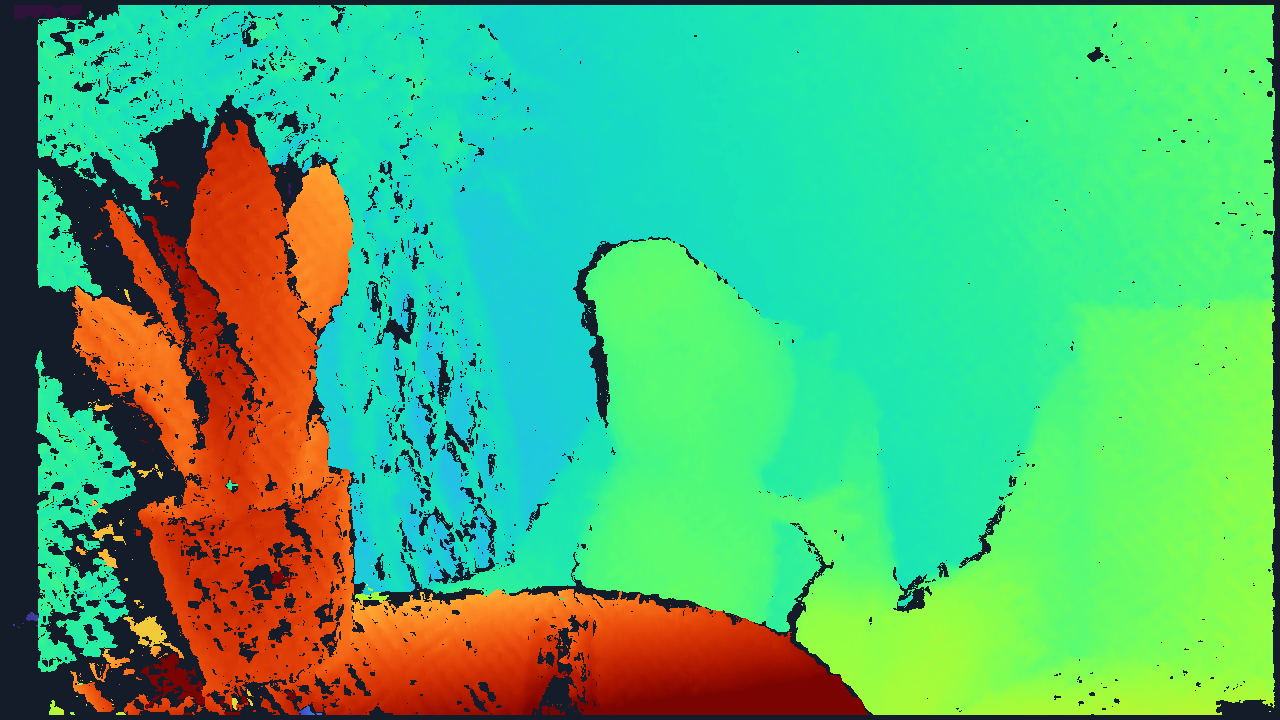
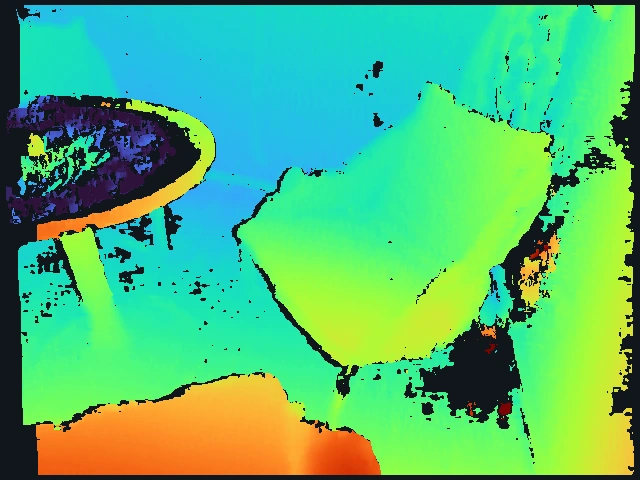
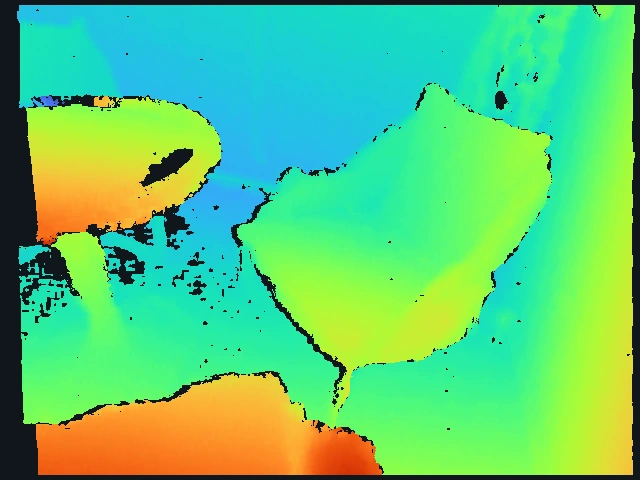
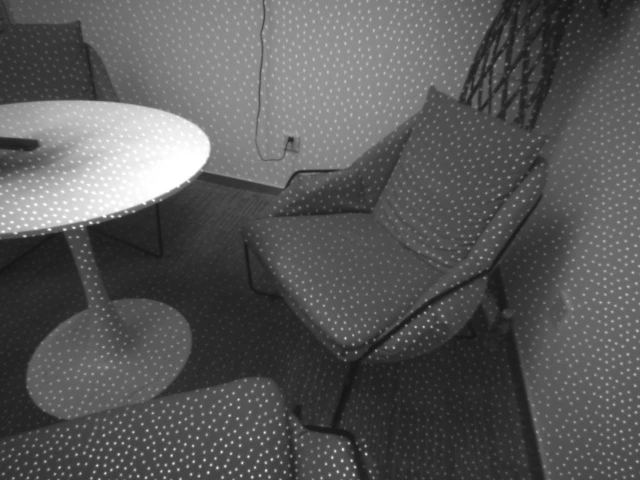
Turn synchronized, rectified stereo images into disparity on your host processor. Use calibrated camera geometry to recover metric depth. No onboard depth processor or pretrained neural network is required.
Image-based stereo depth is an established robotics architecture. Leopard offers a configurable implementation for that stage of your system. [5]
RECORDED SAMPLE
BEFORE
AFTER CORRECTION
‹ ›
01 / RUN ON YOUR PLATFORM
C++ CPU · Metal · CUDA
Choose an implementation for your host. Measure latency on the processor and camera resolution you intend to ship.
02 / CONTROL THE TRADEOFF
Speed, rejection & coverage
Select full or faster consistency checking. Keep brightness normalization and hole filling as explicit options.
03 / OWN THE INTEGRATION
License the source
Inspect the implementation, tune it to your scenes, and keep measured depth separate from inferred completion.
THE COMPARISON CUSTOMERS SHOULD SEE
SAME MACHINE · SAME INPUTS
A measured alternative to OpenCV SGBM.
Compare both OpenCV modes, not just one baseline. Leopard’s advantage depends on the workload, thread budget and consistency check. Explore the actual CPU measurements below.
APPLE M3 PRO / OPENCV 4.13.0
PROCESSING FPSHIGHER IS FASTER →
Leopard full check
24.41
Leopard fast check
40.56
OpenCV SGBM default / 5 directions
7.37
OpenCV SGBM 3WAY
36.25
21 warm measurements per method, three shuffled rounds. Fast check uses weaker consistency filtering. Capture, rectification and display excluded. Desktop apps remained active.
“Default” means MODE_SGBM; all other OpenCV parameters are matched to 3WAY. *1440p is upsampled for timing, not native-resolution accuracy evidence. Resolution and disparity range change together. Equal thread budgets do not imply equal core utilization.
Speed is only half the comparison.See accuracy & coverage +
27 real captures, with independent depth reference
Disparity error and usable coverage on the native-resolution evaluation set
Method
MAE ↓pixels
RMSE ↓pixels
Valid coverage ↑
Valid & within 1 px ↑of all evaluated GT pixels
Leopard FP32 full
0.402
1.022
85.0%
80.0%
Leopard FP32 fast
0.455
1.356
87.3%
81.0%
OpenCV SGBM default
0.502
1.469
98.3%
90.3%
OpenCV SGBM-3WAY
0.435
1.330
97.8%
91.1%
Leopard full checking has lower error on the pixels it accepts. Both SGBM modes return more valid pixels and a higher overall correct-pixel yield. These are different acceptance masks—not proof of overall accuracy superiority.
Skoltech3D: three object scenes × three views × three lighting conditions, RealSense D435 IR pairs with an independent scanner reference. Selected GT surfaces span about 0.63–0.88 m. No normalization or hole filling in this CPU comparison. This is not a RealSense factory-spec test or a 4 m benchmark. Dataset ↗
Matching with GPU brightness normalization at 1248 × 688. Separate 27-capture experiment; not the CPU/SGBM comparison.
FROM CAMERA OUTPUT TO YOUR ROBOT STACK
A FOCUSED INTEGRATION
Keep your cameras. Take control of depth.
For robot-learning teams, integrators and stereo-camera makers: evaluate a software depth stage you can inspect and adapt to your application.
01 / YOU BRING
A stereo pair
Synchronized left/right images with overlapping views, a known baseline and suitable calibration. Existing rectified grayscale streams can go directly to Leopard.
02 / WE PROVIDE
Geometry & matching
Evaluate single-shot calibration, Leopard, or both. Choose a compute backend and tune the speed–coverage tradeoff on your scenes.
03 / YOU CONNECT
Your application
Use disparity and validity outputs, then calibrated geometry for metric depth and point clouds. Connect these to your data or perception pipeline.
Evaluate lens distortion, synchronization, exposure, texture, working distance and latency together. Robot-frame transforms, ROS adapters and downstream task validation are integration work, not included performance claims.
THE EVIDENCE BEHIND THE VALUE
PRIMARY SOURCES, CLEAR BOUNDARIES
Why calibrated depth belongs in the conversation.
[1]
Calibration is part of robot data operations.
DROID’s collection software flags missing or old camera calibrations, helping operators catch moved cameras. Its camera-to-robot calibration is a separate layer from our stereo calibration.
3D Diffusion Policy (RSS 2024) learns actions using sparse point-cloud representations. This motivates a depth data pipeline; it does not establish a training gain from Leopard.
RealSense’s calibration guidance describes how changes to calibration can degrade depth performance and how recalibration can restore it. Our one-shot workflow requires its own validation on each camera setup.
ROS stereo processing uses rectified images and camera metadata to produce disparity and point clouds on the host. Leopard addresses the stereo-matching stage of that architecture.
Research references describe industry workflows and published methods. They are not customer endorsements or tested integrations. Our performance claims come from our own documented benchmarks.
START WITH YOUR CAMERA. MEASURE WHAT MATTERS.
Bring your stereo rig. Let’s evaluate the depth.
Tell us what you collect, what your robot needs to see, and where the code will run. We’ll scope an evaluation around your images, accuracy requirements and latency budget.